简码
Kita, 萨利夫
林基塔主题提供了多种简码。
没听说过简码?请参阅 Zola 文档 获取更多信息。
Mermaid
要在页面中使用 Mermaid,您需要在页面的 frontmatter 中设置 extra.mermaid = true。
+++
title = "您的页面标题"

[extra]
mermaid = true
+++
然后您可以使用 mermaid() 简码,例如:
{% mermaid() %}

graph TD;
A-->B;
A-->C;
B-->D;
C-->D;

{% end %}
这将被渲染为:
  graph TD;
A-->B;
A-->C;
B-->D;
C-->D;
此外,您可以在 mermaid() 简码内使用代码块,代码块将被忽略。
代码块可以防止格式化程序破坏 mermaid 的格式。
{% mermaid() %}

```mermaid
sequenceDiagram
    participant Alice
    participant Bob
    Alice->>John: Hello John, how are you?
    loop Healthcheck
        John->>John: Fight against hypochondria
    end
    Note right of John: Rational thoughts <br/>prevail!
    John-->>Alice: Great!
    John->>Bob: How about you?
    Bob-->>John: Jolly good!
```

{% end %}
这将被渲染为:
sequenceDiagram
    participant Alice
    participant Bob
    Alice->>John: Hello John, how are you?
    loop Healthcheck
        John->>John: Fight against hypochondria
    end
    Note right of John: Rational thoughts <br/>prevail!
    John-->>Alice: Great!
    John->>Bob: How about you?
    Bob-->>John: Jolly good!
提示框
admonition() 简码显示一个横幅,帮助您在页面中放置提示。
您可以像这样使用 admonition() 简码:
{% admonition(type="tip", title="tip") %}
`tip` 提示框。
{% end %}
提示框简码有 12 种不同的类型:
note
note
note 提示框。
abstract
abstract
abstract 提示框。
info
info
info 提示框。
tip
tip
tip 提示框。
success
success
success 提示框。
question
question
question 提示框。
warning
warning
warning 提示框。
failure
failure
failure 提示框。
danger
danger
danger 提示框。
bug
bug
bug 提示框。
example
example
example 提示框。
quote
quote
quote 提示框。
画廊
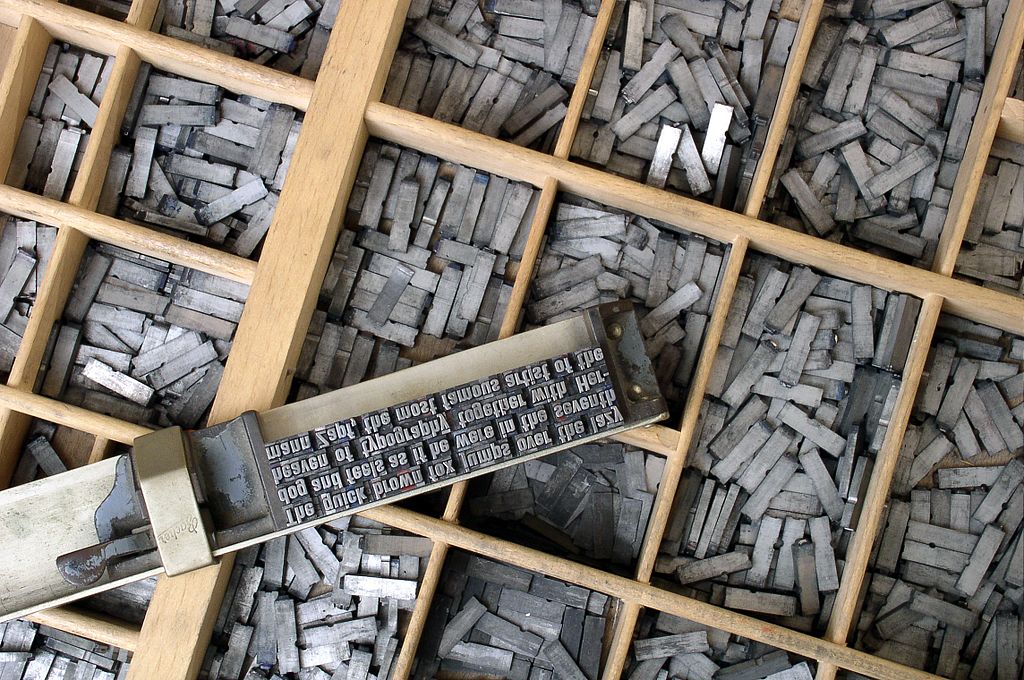
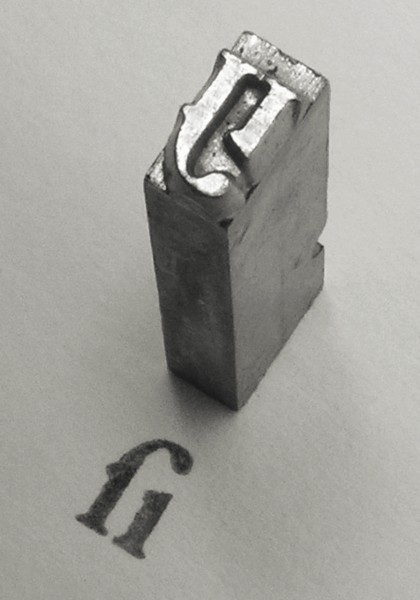
gallery() 简码是一个非常简单的纯 HTML 可点击图片画廊,用于显示页面资源中的所有图像。
它来自 Zola 文档
{{ gallery() }}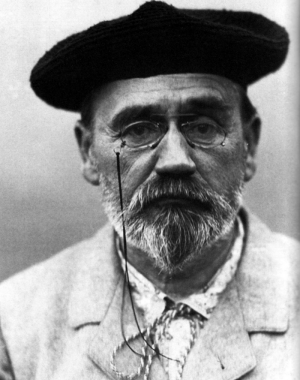
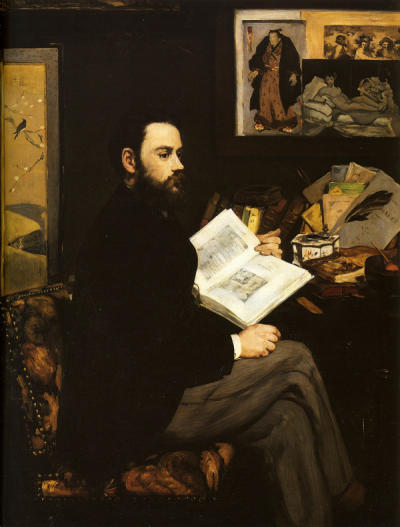
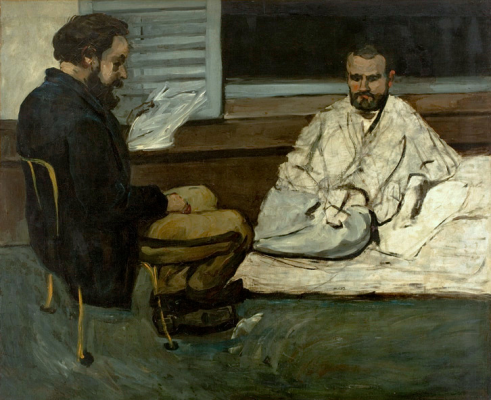

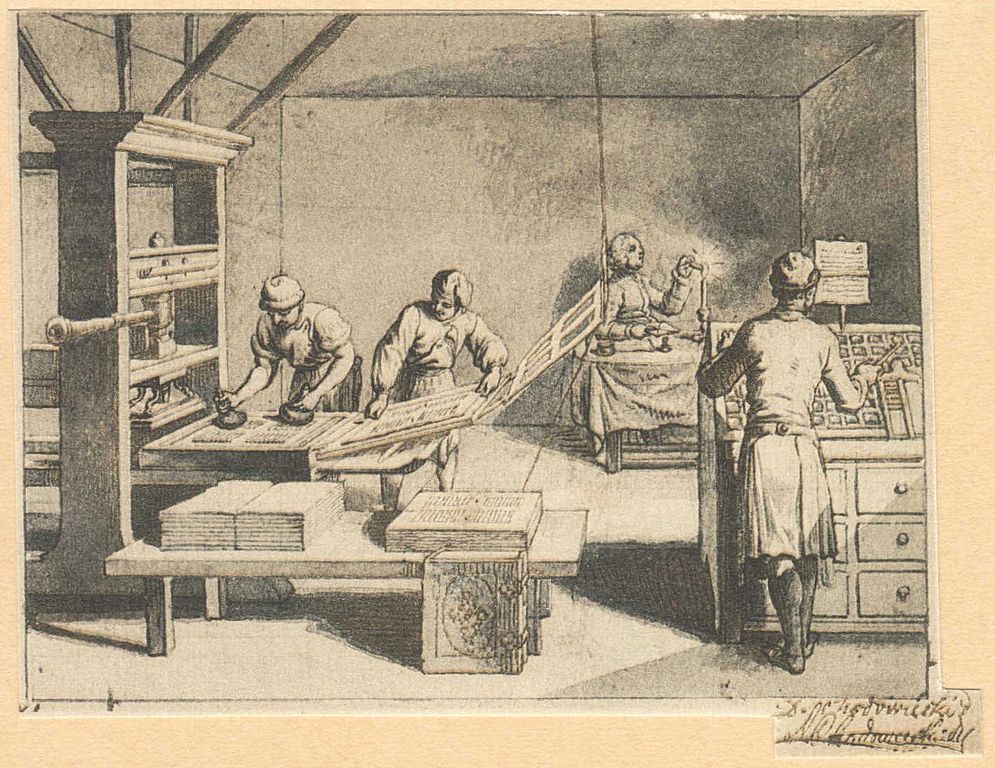

项目
projects() 短代码允许您为您的项目创建一个页面。
创建一个 content/pages/projects/index.md 文件:
+++
title = "我的项目"
description = ""
path = "projects"
+++

{{ projects(path="data.toml", format="toml") }}
创建一个 content/pages/projects/data.toml 文件:
[[project]]
name = "lorem"
desc = "Lorem ipsum dolor sit."
tags = ["lorem", "ipsum"]
links = [
    { name = "homepage", url = "https://example.com" },
    { name = "source", url = "https://example.com" },
]
这将显示为: